
Node.js Security Update: 10 Vulnerabilities Fixed, Including Brotli RCE Flaw
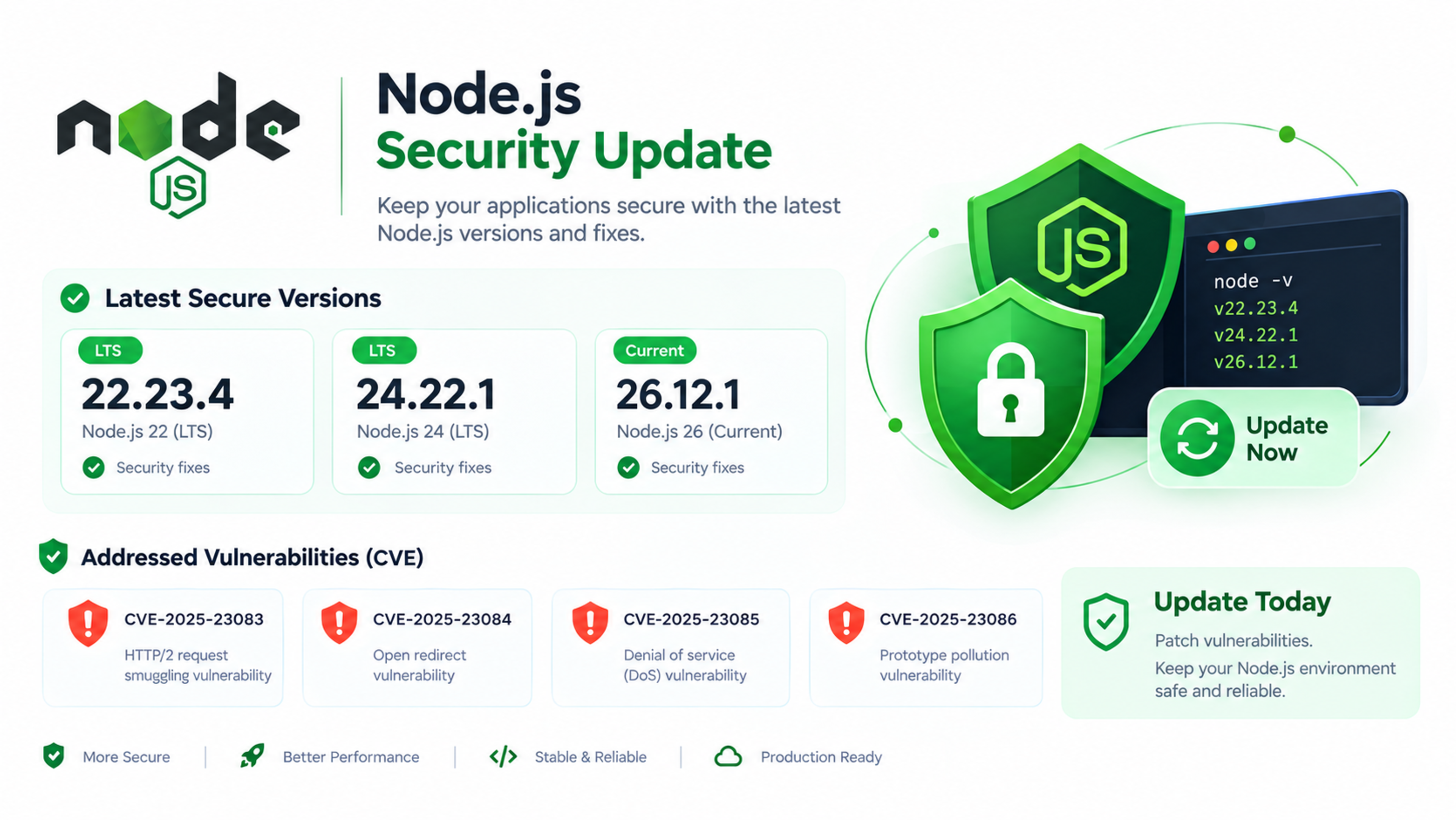
Node.js Security Update: 10 Vulnerabilities Fixed, Including Brotli RCE Flaw
The Node.js project has released emergency security updates for 10 vulnerabilities affecting supported Node.js release lines. The most severe issue, CVE-2026-111497, is a high-severity out-of-bounds write in Node.js’s Brotli decoder that can potentially allow remote code execution.nodejs+2
The fixes were released on 21 October 2026 in Node.js 22.23.4, 24.22.1, and 26.12.1. If your website, API, SaaS product, or Next.js application runs on an affected Node.js version, update it as soon as possible.
Why this Node.js update matters
Node.js powers many modern web applications, APIs, microservices, realtime platforms, and Next.js applications. A vulnerability in the runtime can affect the entire application environment, not only one package or plugin.
The October 2026 release fixes issues across several core areas:
Brotli decompression
TLS certificate verification
DNS resolution
HTTP keep-alive handling
Cryptographic randomness
ZIP file handling
Node.js Permission Model
Security researchers and CERT organisations warned that some of these flaws could lead to denial-of-service conditions, security restriction bypass, sensitive information disclosure, and remote code execution.
Affected Node.js versions
The vulnerabilities affect versions before the patched releases:
Node.js release line | Affected versions | Fixed version |
|---|---|---|
Node.js 22.x | Before 22.23.4 | 22.23.4 |
Node.js 24.x | Before 24.22.1 | 24.22.1 |
Node.js 26.x | Before 26.12.1 | 26.12.1 |
If your application uses Node.js 22, 24, or 26, check the exact runtime version in production, staging, Docker images, CI/CD pipelines, and local development environments.
CVEs fixed in October 2026
Node.js’s October security release addressed 10 CVEs. The most important are the Brotli remote code execution flaw and the TLS certificate hostname-validation bypasses.
CVE-2026-111497: Brotli decoder remote code execution
CVE-2026-111497 is an out-of-bounds write vulnerability in Node.js’s Brotli decoder. It is rated high severity and can potentially allow remote code execution when malicious compressed data is processed.hostinger+2
This is the headline issue in the release because Brotli compression is commonly used to improve web performance. If an application accepts, proxies, processes, or decompresses untrusted Brotli-compressed data, it should be treated as a priority update.
CVE-2026-105483: TLS certificate hostname bypass
CVE-2026-105483 affects TLS certificate hostname verification when an IP address is written using fullwidth digits. It affects Node.js 26.x and 24.x and is rated high severity.
This type of flaw can weaken certificate validation, potentially allowing an attacker to impersonate a trusted service in certain connection scenarios.
CVE-2026-106069: TLS hostname bypass via IP-resolving host
CVE-2026-106069 is another TLS certificate hostname-validation bypass. It occurs when a host loosely resolves to an IP address. It affects Node.js 26.x, 24.x, and 22.x.
This issue is important for applications that connect to APIs, databases, internal services, or third-party systems using TLS.
CVE-2026-105482: DNS name truncation
CVE-2026-105482 is a DNS-related vulnerability in dns.resolve(). A DNS name containing a NUL character could be truncated during resolution.
Depending on the application, this could affect how hostnames are interpreted and validated.
CVE-2026-105481: HTTP keep-alive response handling
CVE-2026-105481 is a medium-severity issue involving HTTP keep-alive sockets. A response written before a request was sent could be processed incorrectly.devops-daily+1
This can create unexpected behaviour in HTTP clients and services that rely on persistent connections.
CVE-2026-106072: Certificate validation issue for IP endpoints
CVE-2026-106072 is a medium-severity certificate-validation issue. DNS names in a certificate could authenticate IP endpoints when the IPv4 hostname is written in a non-canonical form.devops-daily+1
This again relates to TLS trust and secure service-to-service communication.
CVE-2026-106074: Repeated cryptographic values
CVE-2026-106074 involves cached entropy for crypto.randomUUID() and crypto.randomInt() being stored in startup snapshots or single executable applications. This could cause multiple processes to generate repeated values.devops-daily+1
This is particularly relevant for applications that generate tokens, identifiers, security codes, or random values during startup.
CVE-2026-106070: ZIP file header validation issue
CVE-2026-106070 affects Node.js ZipFile handling. After ZIP header validation fails, attacker-controlled leading bytes could still be returned.
Applications that process uploaded ZIP files, archives, or third-party file packages should review this risk.
CVE-2026-106071: Permission Model wildcard issue
CVE-2026-106071 is a Permission Model issue involving wildcard-based traversal. It could grant excessive filesystem permissions.
This matters for applications using Node.js Permission Model restrictions to limit file-system access.
CVE-2026-106073: Permission Model bypass via realpathSync
CVE-2026-106073 allows the Permission Model’s access restrictions to be bypassed using fs.realpathSync().blog.cloudlinux+1
This can undermine sandboxing or permission-based isolation in applications relying on Node.js Permission Model controls.
What could an attacker do?
The impact depends on the specific vulnerability, application architecture, and server exposure.
Potential impacts include:
Remote code execution through malicious Brotli-compressed data
Denial-of-service attacks that crash or exhaust Node.js processes
TLS certificate-validation bypass
Sensitive information disclosure
Security restriction bypass
Weak or repeated random values in security-sensitive functions
Excessive file-system access through Permission Model flaws
Compromise of connected services through insecure TLS validation
Not every application is exposed to every issue. For example, a static Next.js website may have different exposure than an API service that accepts compressed uploads or connects to internal services over TLS.hkcert+1
Who should update urgently?
Update urgently if you operate:
Node.js APIs and backend services
Next.js applications using server-side rendering, API routes, or server actions
Express, Fastify, NestJS, Koa, or other Node.js frameworks
Realtime applications using WebSockets
Microservices and internal APIs
Docker or Kubernetes workloads
Serverless functions running Node.js
CI/CD pipelines using Node.js
Applications that process uploaded files, compressed data, or third-party APIs
SaaS platforms and customer portals
Even if your website is mostly static, update the Node.js runtime used for builds, deployments, CI/CD, and server-side processes.
Immediate actions for developers
1. Check your Node.js version
Run:
bashnode -v
Also check the version inside Docker containers and deployment environments:
bashdocker exec -it container_name node -v
If your version is below 22.23.4, 24.22.1, or 26.12.1, update it.
2. Update Node.js
Update to the patched version for your release line:
Node.js 22.23.4
Node.js 24.22.1
Node.js 26.12.1nodejs+1
If you use a version manager:
bashnvm install 22.23.4nvm use 22.23.4
If you use Docker, update the base image, for example:
textFROM node:22.23.4-alpine
or:
textFROM node:24.22.1-alpine
3. Rebuild and redeploy applications
Updating Node.js locally is not enough. Rebuild and redeploy:
Production applications
Staging environments
Docker images
Serverless functions
CI/CD runners
Kubernetes pods
Static-site build pipelines
A vulnerable Node.js version can remain active in a container, serverless environment, or CI runner even after the host machine is updated.
4. Update npm dependencies
After updating Node.js, review project dependencies.
Run:
bashnpm auditnpm audit fix
For more controlled updates, review the audit output manually before applying fixes. Do not blindly apply major dependency upgrades in production.
5. Restart services
Restart Node.js processes so the updated runtime is loaded.
Examples:
bashpm2 restart all
or:
bashsudo systemctl restart your-node-app
For Kubernetes, roll out updated pods:
bashkubectl rollout restart deployment your-app
6. Verify the live runtime
Confirm the deployed application is running the patched version. Add a temporary diagnostics endpoint only if it is protected and removed after verification, or check your platform’s runtime logs.
For Next.js applications, verify both:
The Node.js version used for the build
The Node.js version used by the server or hosting platform
What this means for Next.js websites
Next.js runs on Node.js, so this update is relevant to Next.js websites and applications—especially those using:
Server-side rendering
API routes
Server Actions
Middleware
Image optimisation
Internationalisation
Custom servers
Docker deployments
Self-hosted Node.js servers
Updating Next.js itself is important, but it does not replace updating the Node.js runtime. A patched Next.js version running on a vulnerable Node.js version can still be exposed to runtime-level issues.nodejs+1
Example: Next.js application on Vercel or self-hosted server
Consider a business running a Next.js application with API routes, form submissions, and a custom dashboard.
The application is deployed using Docker with Node.js 22.21.0. Even though the application code is secure, the runtime is below the patched version.
The correct response is:
Update the Docker base image to Node.js 22.23.4 or later.
Rebuild the image.
Run automated tests.
Deploy to staging.
Verify
node -vinside the container.Deploy to production.
Restart or roll out updated containers.
Run
npm auditand review dependency risks.Monitor logs for errors or unusual activity.
Example: Express API processing compressed uploads
Consider an Express API that accepts compressed files from clients and decompresses them before processing.
If the API runs on an affected Node.js version, the Brotli decoder issue may be more relevant because the service processes externally supplied compressed data.
In this case:
Update Node.js immediately.
Restrict upload types and file sizes.
Validate and scan uploaded files.
Run decompression in an isolated environment where possible.
Set resource limits.
Monitor for abnormal memory or CPU usage.
Review logs for exploitation attempts.
Long-term Node.js security checklist
Use this checklist to reduce future risk:
Keep Node.js updated to active LTS or current supported versions.
Monitor Node.js security releases.
Update Docker base images regularly.
Scan container images for vulnerabilities.
Run
npm auditin CI/CD.Use
package-lock.jsonand review dependency changes.Avoid running unnecessary packages in production.
Use least-privilege access for databases, APIs, and cloud services.
Store secrets in a secure secret manager.
Enable logging, monitoring, and alerting.
Use HTTPS and validate TLS connections properly.
Apply rate limiting and input validation.
Use a web application firewall where appropriate.
Separate staging, production, and development environments.
Official sources and advisories
Use these official and authoritative sources for verification:
Node.js Official Security Release: Wednesday, October 21, 2026
Vercel Security Advisory: Node.js Brotli Decoder RCE, CVE-2026-111497
Beazley Security Labs: High-Severity RCE Vulnerability in Node.js
Frequently Asked Questions
What is CVE-2026-111497?
CVE-2026-111497 is a high-severity out-of-bounds write vulnerability in Node.js’s Brotli decoder. It can potentially allow remote code execution when malicious compressed data is processed.hostinger+1
Which Node.js versions are affected?
Node.js versions before 22.23.4, 24.22.1, and 26.12.1 are affected in their respective release lines.
What versions should I update to?
Update to Node.js 22.23.4 if you use Node.js 22, Node.js 24.22.1 if you use Node.js 24, or Node.js 26.12.1 if you use Node.js 26.nodejs+1
Does this affect Next.js websites?
Yes. Next.js runs on Node.js, so Next.js applications can be affected if their build or runtime environment uses a vulnerable Node.js version. Update both the Node.js runtime and Next.js dependencies.nodejs+1
Does updating npm packages fix this?
No. Updating npm packages is important for dependency security, but these vulnerabilities are in the Node.js runtime itself. You must update Node.js and redeploy the application.nodejs+1
Can CVE-2026-111497 be exploited remotely?
The Brotli flaw can potentially allow remote code execution, but exploitation depends on whether the application processes attacker-controlled Brotli-compressed data and how the service is configured. Treat it as high priority.hostinger+1
Do I need to update Docker images?
Yes. If your application runs in Docker, update the Node.js base image, rebuild the image, and redeploy containers. Updating only the host machine does not necessarily update the Node.js version inside containers.
Is Node.js still safe to use?
Yes. Node.js remains widely used and actively maintained. The important step is to run a supported, patched version and maintain a regular update and security-monitoring process.
Fullstack Web & App Development
Custom web applications built with Next.js, React, Node.js, and modern cloud architectures tailored for domestic and international high-growth businesses.
Feedback & Discussion
Have questions or insights? Share your thoughts below.