
Critical PHP Vulnerabilities CVE-2026-109618 and CVE-2026-109619: What Website Owners Must Do Now
Critical PHP Vulnerabilities CVE-2026-109618 and CVE-2026-109619: What Website Owners Must Do Now
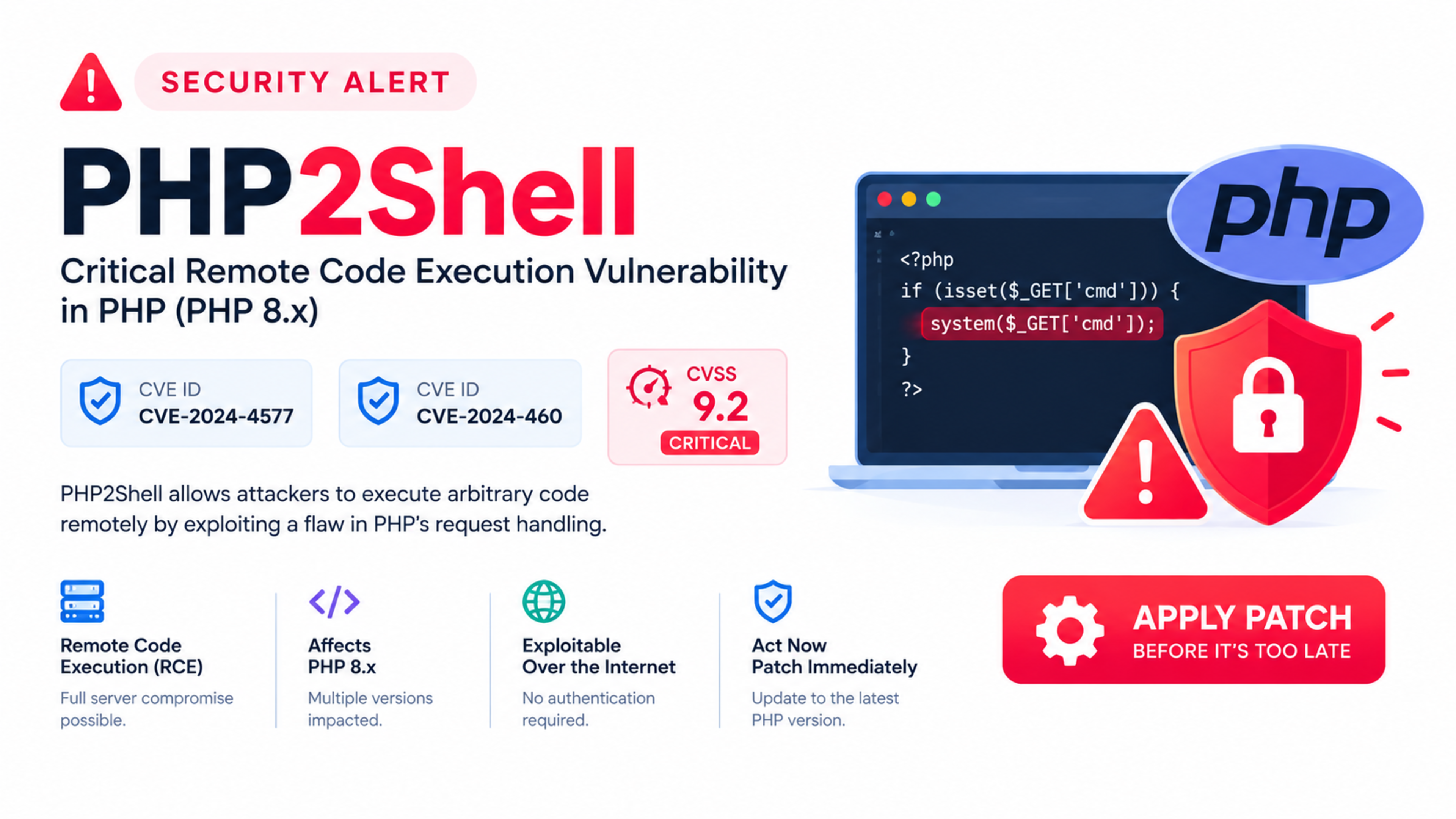
Two critical PHP vulnerabilities—CVE-2026-109618 and CVE-2026-109619—can allow an unauthenticated attacker to execute malicious code on affected servers. The PHP security team released emergency fixes on 21 October 2026, and website owners running PHP should update as soon as possible.
The flaws have been collectively referred to as PHP2Shell. Both have a CVSS v4.0 score of 9.2 out of 10, placing them in the critical severity category.
This is not an ordinary plugin vulnerability or a minor configuration issue. These flaws affect the PHP interpreter itself, meaning the risk can apply to PHP-based websites and applications even before application-level code runs in certain hosting setups.
What happened?
On 21 October 2026, the PHP security team released emergency security updates for two critical remote code execution vulnerabilities:
CVE-2026-109618 — Remote code execution through memory corruption during out-of-memory handling
CVE-2026-109619 — Remote code execution through stale global state and use-after-free behaviour
The fixed versions are PHP 8.5.12, 8.4.27, 8.3.36, and 8.2.35.
The European Union Agency for Cybersecurity, ENISA, the European Commission, CERT-EU, Europol EC3, and the EU CSIRTs Network issued a joint statement advising organisations to take immediate action.
Why this is serious
These vulnerabilities are serious because they can lead to unauthenticated remote code execution, often shortened to RCE.
In simple terms, RCE means an attacker may be able to run commands or malicious code on your server without needing a username, password, admin account, or valid session.
If exploited successfully, an attacker could potentially:
Take control of the web server
Steal databases, customer data, and credentials
Modify website files
Install backdoors or web shells
Deface websites
Send spam or phishing emails from your server
Launch further attacks against visitors or other systems
Access connected services, APIs, and cloud credentials
Encrypt files or disrupt business operations
The severity comes from the combination of three factors: the flaw is in PHP itself, exploitation may not require authentication, and PHP powers a very large share of websites and web applications worldwide.
The CVEs found
CVE-2026-109618: RCE via out-of-memory corruption
CVE-2026-109618 is a memory-corruption vulnerability related to PHP’s handling of out-of-memory conditions. It is tracked as GHSA-w8hw-w9fx-j79w and has a CVSS v4.0 score of 9.2.
Under specific conditions, if a request reaches PHP’s configured memory_limit at the wrong moment, PHP may leave partially initialised internal data behind. Later, PHP may treat that incomplete data as valid, causing memory corruption.
The PHP Foundation reported that, on Apache with mod_php, an unauthenticated request could trigger the issue before application code runs. Researchers demonstrated full remote code execution using default settings in that environment.
CVE-2026-109619: RCE via stale global state
CVE-2026-109619 is a use-after-free vulnerability related to stale global state. It is tracked as GHSA-6wmf-4rv5-p3rp and also has a CVSS v4.0 score of 9.2.
If a fatal error occurs at the wrong point, PHP may leave internal state pointing to memory that belonged to a previous request. A later request handled by the same worker process could then access freed memory.
The PHP Foundation confirmed a use-after-free condition and worker crash. Researchers also demonstrated remote code execution against a real-world application running on Apache with mod_php.
Affected PHP versions
The vulnerabilities affect PHP versions before the patched releases. According to CERT-EU and other advisories, the fixed versions are:
PHP branch | Fixed version |
|---|---|
PHP 8.5 | 8.5.12 |
PHP 8.4 | 8.4.27 |
PHP 8.3 | 8.3.36 |
PHP 8.2 | 8.2.35 |
Older and end-of-life PHP branches are also considered affected, including older PHP 5, 6, 7, and unsupported 8.x versions.
If your website runs PHP 8.1, 8.0, 7.4, 7.x, or any older unsupported version, you should treat the risk as urgent. The safest response is to upgrade to a supported, patched PHP version rather than relying on workarounds.
What is PHP2Shell?
PHP2Shell is the collective name used for the two vulnerabilities:
CVE-2026-109618
CVE-2026-109619
The name reflects the potential outcome: a vulnerable PHP environment may be turned into a route for attackers to deploy a web shell or execute arbitrary commands on the server.
A web shell is malicious code uploaded to a server that gives an attacker a remote interface to run commands, browse files, modify content, and move deeper into the system.
Who is affected?
You may be affected if your website or application uses PHP, including websites built with:
WordPress
WooCommerce
Laravel
Symfony
CodeIgniter
Drupal
Joomla
Magento
Custom PHP applications
Legacy PHP systems
Shared hosting environments
VPS or dedicated servers running PHP
Apache with
mod_phpPHP-FPM environments, depending on configuration and patch status
Using WordPress, Laravel, or another framework does not automatically mean your site is exploitable in every environment. However, because the issue is in PHP itself, updating PHP is the primary fix—not merely updating WordPress, Laravel, or plugins.
Is this really the biggest IT security crisis?
It is certainly one of the most urgent PHP security events in recent years, but calling it “the biggest crisis in the IT market” needs context.
The reason it has received strong warnings from ENISA, CERT-EU, and national cybersecurity agencies is that:
The vulnerabilities are rated critical at CVSS v4.0 9.2.
They can allow unauthenticated remote code execution.
They affect the PHP interpreter, not only one plugin or theme.
PHP is used by a massive number of websites and applications.
Security agencies issued coordinated warnings urging immediate patching.
That makes it a major emergency for website owners, hosting providers, agencies, and development teams. However, the actual impact depends on whether servers are patched, the hosting configuration, exposure to the internet, and whether attackers exploit the flaw before remediation.
The correct response is urgent action—not panic.
What attackers could do with access
If an attacker gains remote code execution on a vulnerable server, the impact can extend far beyond the website itself.
Website takeover
An attacker may modify pages, inject malicious scripts, redirect visitors, insert spam links, or replace website content.
Data theft
If the website stores customer data, order details, user accounts, passwords, API keys, or business records, those assets could be exposed.
Malware distribution
Attackers may use the compromised server to host phishing pages, distribute malware, or inject malicious JavaScript into website visitors’ browsers.
Backdoor creation
Attackers often install persistence mechanisms, such as web shells, cron jobs, rogue admin users, or modified core files, so they can return even after the original vulnerability is patched.
Lateral movement
If the web server can connect to internal systems, databases, cloud storage, email services, or APIs, attackers may attempt to move from the website into other parts of the business infrastructure.
Business disruption
An attacker could delete files, corrupt databases, exhaust server resources, or disrupt ecommerce checkout, booking systems, and customer communication.
Immediate actions for website owners
If you manage a PHP website, take these steps now.
1. Identify your PHP version
Check the PHP version used by your website. You can ask your hosting provider, check your hosting control panel, or create a temporary diagnostic page if you have safe access to the server.
You can also ask your developer to run:
bashphp -v
On many servers, this shows the command-line PHP version. Remember that the web server may use a different PHP version from the command line, especially on shared hosting or containers.
2. Update PHP immediately
Update to one of the patched versions:
PHP 8.5.12
PHP 8.4.27
PHP 8.3.36
PHP 8.2.35
If you are on PHP 8.2, update to at least 8.2.35. If you are on PHP 8.3, update to at least 8.3.36. If you are on PHP 8.4 or 8.5, update to the corresponding fixed release.
If you are using an unsupported version such as PHP 7.4 or 8.0, upgrade to a supported patched branch as soon as possible.
3. Update your hosting stack
If your website is on shared hosting, contact your hosting provider and ask:
What PHP version is my website using?
Has the server been patched for CVE-2026-109618 and CVE-2026-109619?
Are you using Apache with
mod_php, PHP-FPM, or another handler?When will all servers be updated?
Can you confirm my site is running a fixed PHP version?
If you manage a VPS, cloud server, Docker environment, or Kubernetes cluster, update the PHP runtime, container images, server provisioning configuration, and deployment pipelines.
4. Update WordPress, plugins, themes, and frameworks
Update PHP first, then update the application layer.
For WordPress:
Update WordPress core.
Update all plugins.
Update themes.
Remove unused plugins and themes.
Check for suspicious admin users.
Review recently modified files.
For Laravel, Symfony, Drupal, Joomla, Magento, or custom PHP apps:
Update the framework and dependencies.
Review
composer.lockand installed packages.Rebuild deployment artefacts where needed.
Run application tests before deploying.
Updating PHP does not remove the need for good application security. It reduces the critical server-level risk exposed by these CVEs.
5. Restart PHP services
After updating PHP, restart the relevant service so the new version is loaded.
Depending on your server, this may include:
bashsudo systemctl restart php8.3-fpmsudo systemctl restart apache2sudo systemctl restart nginx
The exact command depends on your operating system, PHP version, and web server configuration.
6. Verify the patch
After updating, confirm the live website is using the patched version. Do not rely only on the command line.
Check:
Hosting control panel PHP version
Application diagnostics or status page
Server PHP configuration
Deployment logs
Staging and production environments separately
7. Review server logs
Check web server, PHP, and application logs for unusual activity, especially around 20–21 October 2026.
Look for:
Unusual POST requests
Unexpected 500 errors
Repeated requests from unknown IP addresses
New files in upload directories
Unexpected cron jobs
Unknown admin users
Modified core files
Outbound connections to unknown domains
Sudden spikes in traffic or CPU usage
8. Scan for compromise
If your site was unpatched for a meaningful period, assume compromise is possible until proven otherwise.
Check for:
Unknown admin accounts
Unexpected scheduled tasks
Modified core files
Suspicious files in upload folders
Unknown cron jobs
Unexpected database admin users
Malicious JavaScript in templates
Spam pages or unfamiliar URLs
Outbound email activity
Unknown API keys or cloud credentials
Use malware scanning tools, server integrity monitoring, and a professional security review if you are unsure.
9. Rotate credentials
If there is any sign of compromise, rotate sensitive credentials:
Database passwords
FTP/SFTP credentials
SSH keys
WordPress admin passwords
CMS user passwords
API keys
Cloud access keys
SMTP credentials
Payment gateway credentials
Third-party service tokens
Do this after isolating and cleaning the compromised environment, otherwise new credentials may also be exposed.
10. Restore from a clean backup if needed
If the website is clearly compromised and cannot be safely cleaned, restore from a clean backup taken before the compromise.
Before restoring:
Patch the server and PHP runtime.
Identify the entry point if possible.
Preserve logs and evidence.
Scan the backup for malware.
Change all credentials.
Rebuild the environment if necessary.
Restoring an infected backup onto an unpatched server can reintroduce the problem.
What hosting providers should do
Hosting providers should prioritise patching across their fleet, especially for shared hosting environments where many websites run on the same server.
Key actions include:
Update PHP binaries across all supported branches.
Patch legacy environments or isolate them.
Audit Apache
mod_phpconfigurations.Restart PHP-FPM and Apache workers after deployment.
Notify customers about affected services.
Provide clear PHP version reporting.
Scan for signs of exploitation.
Enforce WAF rules where appropriate.
Monitor for web shells and suspicious file changes.
Communicate patch status transparently.
For agencies managing client websites, patching should be treated as an emergency maintenance task, not a routine monthly update.
What developers should do
Developers should treat this as a supply-chain and runtime security event.
Update local and CI/CD environments
Update:
Local development environments
Staging servers
Production servers
Docker images
CI/CD runners
Deployment containers
Infrastructure-as-code configurations
PHP version pins in
Dockerfile,.platform.app.yaml,composer.json, or deployment configuration
A common mistake is updating production but leaving staging, Docker images, or CI runners vulnerable.
Check compatibility before upgrading
Before upgrading PHP, test the application on a staging environment. Check for:
Deprecated functions
Incompatible packages
Framework version requirements
Plugin conflicts
Database driver compatibility
Extension availability
Error-handling behaviour
Add automated patch monitoring
Set up alerts for:
New PHP security releases
Composer dependency vulnerabilities
CMS core updates
Plugin and theme vulnerabilities
Server package updates
Container image vulnerabilities
Tools such as GitHub Dependabot, Renovate, Composer audit, Trivy, and server patch-management systems can help teams detect risks earlier.
Practical example: WordPress website on shared hosting
Consider a small business running WordPress on shared hosting with PHP 8.1.
The site uses several plugins, including a contact form plugin, SEO plugin, backup plugin, and page builder. The business owner receives no warning and continues operating normally.
In this situation:
The site may be running an affected PHP version.
The hosting server may expose PHP through a vulnerable configuration.
An attacker could attempt exploitation without logging in.
If successful, they could upload a web shell.
The attacker could modify WordPress files, create an admin user, or inject malicious scripts.
Customer data, email credentials, and connected services could be at risk.
The correct response is:
Ask the host to confirm patched PHP.
Upgrade to PHP 8.3.36, 8.4.27, or another fixed version.
Update WordPress core, plugins, and themes.
Scan for malware and file changes.
Rotate admin and database credentials if compromise is suspected.
Enable automatic updates for security releases where appropriate.
Set up ongoing monitoring and backups.
Practical example: Laravel application on a VPS
A company runs a Laravel application on an Ubuntu VPS using Nginx and PHP-FPM 8.2.
The server is unpatched, and the deployment pipeline uses a Docker image based on an old PHP 8.2 image.
The correct response is:
Update the server’s PHP packages to 8.2.35 or later.
Rebuild the Docker image using a patched PHP base image.
Update Composer dependencies.
Run automated tests.
Deploy to staging.
Verify the PHP version inside the container.
Deploy to production.
Restart PHP-FPM and web server services.
Review logs and scan for indicators of compromise.
Update infrastructure-as-code so future deployments do not reintroduce the vulnerable version.
How to check whether your website is safe
There is no single public “safe/unsafe” scanner that can guarantee your site is secure. The most reliable check is to verify the exact PHP runtime used by the live website.
Ask your developer or host to confirm:
PHP version
PHP handler:
mod_php, PHP-FPM, CGI, or container runtimeServer operating system
Web server software
Patch status for CVE-2026-109618 and CVE-2026-109619
Date and time of patch deployment
Whether staging and production are both patched
Whether backups and logs have been reviewed
If your host cannot answer these questions clearly, consider moving to a provider with stronger security communication and patch management.
Long-term website security checklist
After the emergency patch, use this checklist to reduce future risk.
Keep software updated
Update PHP regularly.
Update CMS core files.
Update plugins and themes.
Update frameworks and dependencies.
Remove unused software.
Monitor end-of-life versions.
Use strong access controls
Use strong, unique passwords.
Enable two-factor authentication.
Limit admin accounts.
Use SSH keys instead of passwords where possible.
Restrict admin access by IP where practical.
Apply least-privilege permissions.
Protect data and backups
Use encrypted backups.
Store backups separately from the live server.
Test restores regularly.
Protect database credentials.
Limit database access.
Avoid storing unnecessary sensitive data.
Monitor your website
Enable error and access logging.
Monitor file changes.
Set up uptime monitoring.
Monitor Core Web Vitals and performance.
Review Search Console and security warnings.
Use malware scanning.
Set alerts for unusual traffic or resource usage.
Harden the server
Keep the operating system patched.
Disable unused services.
Use a firewall.
Limit open ports.
Use HTTPS everywhere.
Configure security headers.
Use a web application firewall where appropriate.
Restrict file permissions.
Separate staging, production, and development environments.
Why this matters for SEO and business trust
A compromised website can damage more than infrastructure. It can affect search visibility, user trust, and revenue.
Google may display security warnings for hacked sites, and malicious injections can harm user experience, brand reputation, and organic performance. If a website is serving spam, malware, or deceptive content, search engines may take action to protect users.
For ecommerce, healthcare, education, finance, and service businesses, the reputational cost can be significant. Customers expect businesses to protect their data and provide a safe browsing experience.
Official sources and advisories
Use these official and authoritative sources for verification and updates:
Cyber Security Agency of Singapore: Critical Vulnerabilities in PHP, PHP2Shell
Australian Cyber Security Centre: Critical Vulnerabilities in PHP
BleepingComputer: PHP ships emergency patches for PHP2Shell flaws
Frequently Asked Questions
What are CVE-2026-109618 and CVE-2026-109619?
They are two critical PHP vulnerabilities that can allow unauthenticated remote code execution under vulnerable conditions. They are collectively referred to as PHP2Shell and were patched by the PHP security team on 21 October 2026.
Which PHP versions are affected?
The vulnerabilities affect PHP versions before the patched releases: PHP 8.5.12, 8.4.27, 8.3.36, and 8.2.35. Older unsupported versions, including PHP 7.x and earlier, are also considered at risk.
What should I do if my website uses PHP?
Update PHP to a patched version immediately, restart PHP and web server services, update your CMS/framework and plugins, review logs for suspicious activity, and scan for signs of compromise.
Does this affect WordPress websites?
Yes, WordPress websites can be affected because WordPress runs on PHP. However, updating WordPress alone is not enough; the underlying PHP runtime must also be updated to a patched version.
Does this affect Laravel websites?
Yes. Laravel applications running on vulnerable PHP versions may be affected. Update the server or container PHP runtime first, then update Laravel dependencies and deploy a tested build.
What is remote code execution?
Remote code execution means an attacker can run commands or malicious code on a server from a remote location. In this case, the vulnerabilities may allow exploitation without authentication.
Should I take my website offline?
If your website is unpatched, especially on Apache with mod_php, ask your hosting provider or developer to assess the risk immediately. Some security advisories recommended isolating or taking unpatched systems offline until patched, depending on exposure and risk tolerance.
Can I fix this by updating WordPress plugins?
No. Plugin updates are important, but these vulnerabilities are in PHP itself. You must update the PHP runtime to a patched version.
How do I know if my website was hacked?
Check for unknown admin users, modified core files, unexpected cron jobs, suspicious files in upload folders, malicious JavaScript, spam pages, unusual outbound email, and strange entries in server logs. If unsure, perform a professional malware and security review.
What PHP version should I use now?
Use the latest patched version available for your supported PHP branch. As of the emergency release, the fixed versions are PHP 8.5.12, 8.4.27, 8.3.36, and 8.2.35.
Cloud Architecture, DevOps & Backend Engineering
Architect scalable backend services, database clusters, containerized deployments (Docker/K8s), and automated cloud pipelines on AWS, GCP, and DigitalOcean.
Feedback & Discussion
Have questions or insights? Share your thoughts below.